You can select Pick Up, Not Attempted, or Clear Score by clicking the 3 dots next to the score.
|
|
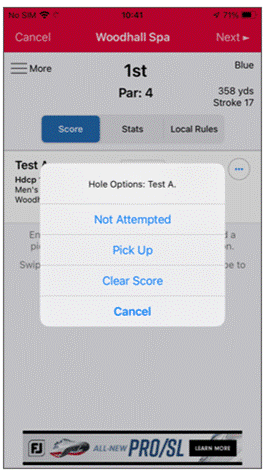
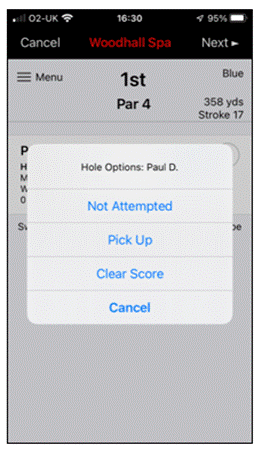
This will automatically input your score:
- Not started will be scored as “Nett Par”.
- Started but not complete will be scored as “Nett Double Bogey”.
If done in error, it can still be removed by using the same ‘...’ link and selecting “clear score” so you can start again.
Was this article helpful?
That’s Great!
Thank you for your feedback
Sorry! We couldn't be helpful
Thank you for your feedback
Feedback sent
We appreciate your effort and will try to fix the article