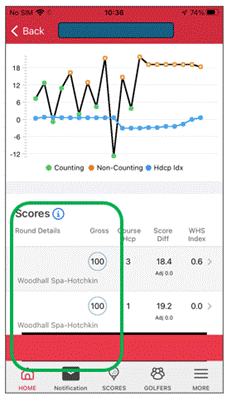
Only players in your Friends list and current members of your home club will be able to see your scores. As part of peer review, anyone at your home club which includes iGolf, will be able to see your scores.
You can restrict the view by visiting your profile page on the web platform and ticking the ‘Hide score play dates from other members’.
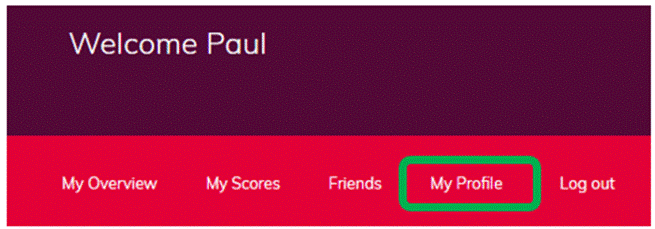
- Go into “My Profile”
- Scroll down to “Privacy”

Note: Anyone who is not at your home club, or on your friends list, will not have access to this information.
Was this article helpful?
That’s Great!
Thank you for your feedback
Sorry! We couldn't be helpful
Thank you for your feedback
Feedback sent
We appreciate your effort and will try to fix the article